

Apple’s MacBook Air lineup has long been the go-to choice for users who want a lightweight laptop with excellent performance and battery life. With the introduction of the MacBook Air M3, Apple promises faster speeds, better efficiency, and improved connectivity. But if you already own an M1 or M2 MacBook Air, is the upgrade really worth it?
In this review, we’ll explore the design, performance, battery life, features, and whether the M3 MacBook Air is the right upgrade for you.
Design and Build Quality

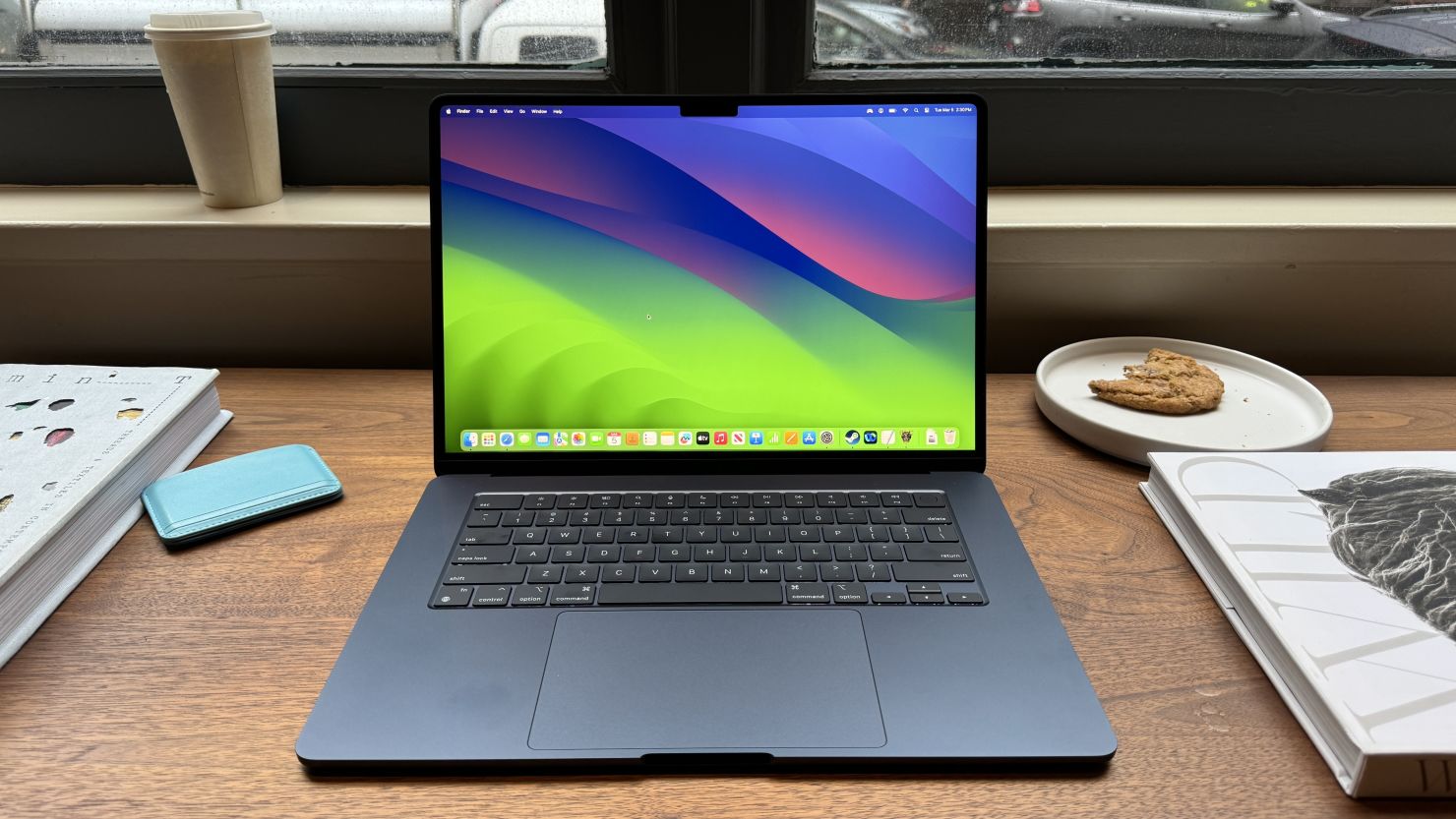
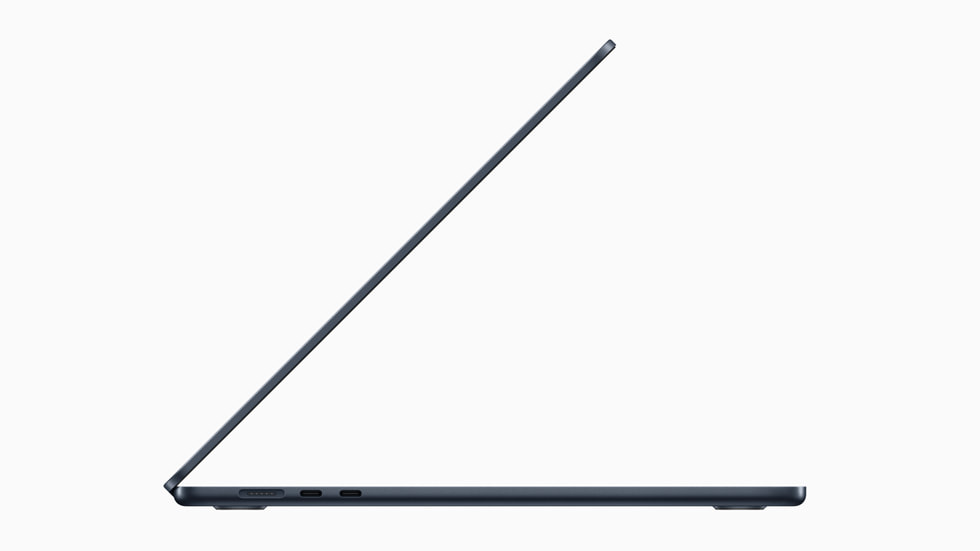
At first glance, the MacBook Air M3 looks almost identical to its predecessor. Apple kept the same ultra-thin aluminum design introduced with the M2 model.
Key design highlights:
-
13-inch and 15-inch display options
-
Lightweight and ultra-portable build
-
Premium aluminum chassis
-
Large trackpad and comfortable keyboard
-
Liquid Retina display with excellent brightness and color accuracy
The design might not be new, but it’s still one of the best-looking and most portable laptops available.
Performance: Powered by the M3 Chip
The biggest upgrade comes from the Apple M3 chip, built on advanced 3-nanometer technology. This allows the laptop to deliver better performance and improved energy efficiency.
Performance Improvements
-
Up to 17% faster single-core performance than M2
-
Around 21% faster multi-core performance
-
Up to 15–30% better GPU performance depending on workload
In real-world use, the MacBook Air M3 easily handles:
-
Web browsing with dozens of tabs
-
Office work and productivity tasks
-
Photo editing
-
Light video editing
-
Programming and development work
However, since it is a fanless laptop, heavy workloads like long video rendering may throttle performance slightly compared to MacBook Pro models.
Battery Life
Battery life has always been a strong point of the MacBook Air, and the M3 continues that tradition.
-
Up to 18 hours of video playback according to Apple.
-
In real-world usage, many users get 10–15 hours of mixed tasks.
For typical daily work—browsing, writing, streaming—this laptop can easily last a full workday without charging.
New Features and Improvements
Although the design hasn’t changed, the M3 model includes several useful upgrades.
1. Support for Two External Displays
Unlike the M2 model, the M3 can support two external monitors simultaneously (with the lid closed).
2. Wi-Fi 6E
This provides faster and more stable wireless connections compared to the previous generation.
3. Better GPU for Graphics Tasks
The upgraded GPU improves performance for:
-
3D rendering
-
Gaming
-
Video editing
-
AI workloads
Display, Speakers, and Camera
The MacBook Air M3 maintains the same high-quality hardware:
-
Liquid Retina display with excellent brightness
-
1080p FaceTime HD camera
-
Quad-speaker system with Spatial Audio
These features make the device excellent for video calls, streaming, and multimedia consumption.
Pros and Cons
Pros
✔ Fast and efficient M3 chip
✔ Exceptional battery life
✔ Lightweight and portable design
✔ High-quality display and speakers
✔ Supports two external displays
Cons
✘ Minimal design changes from M2
✘ Base model still starts with 8GB RAM
✘ Fanless design limits heavy workloads
Should You Upgrade?
Upgrade if you have:
-
An Intel MacBook Air
-
An M1 MacBook Air
-
A laptop older than 4–5 years
You’ll notice huge performance and efficiency improvements.
Maybe skip if you have:
-
MacBook Air M2
The performance difference is noticeable but not dramatic for everyday tasks, so upgrading may not be necessary.
Final Verdict
The MacBook Air M3 is one of the best ultraportable laptops available today. It offers an ideal combination of performance, battery life, and portability, making it perfect for students, professionals, and everyday users.
However, if you already own the M2 model, the upgrade may not be essential unless you want better GPU performance or dual external display support.